Crop Management Software for Vegetable and Crop Farmers
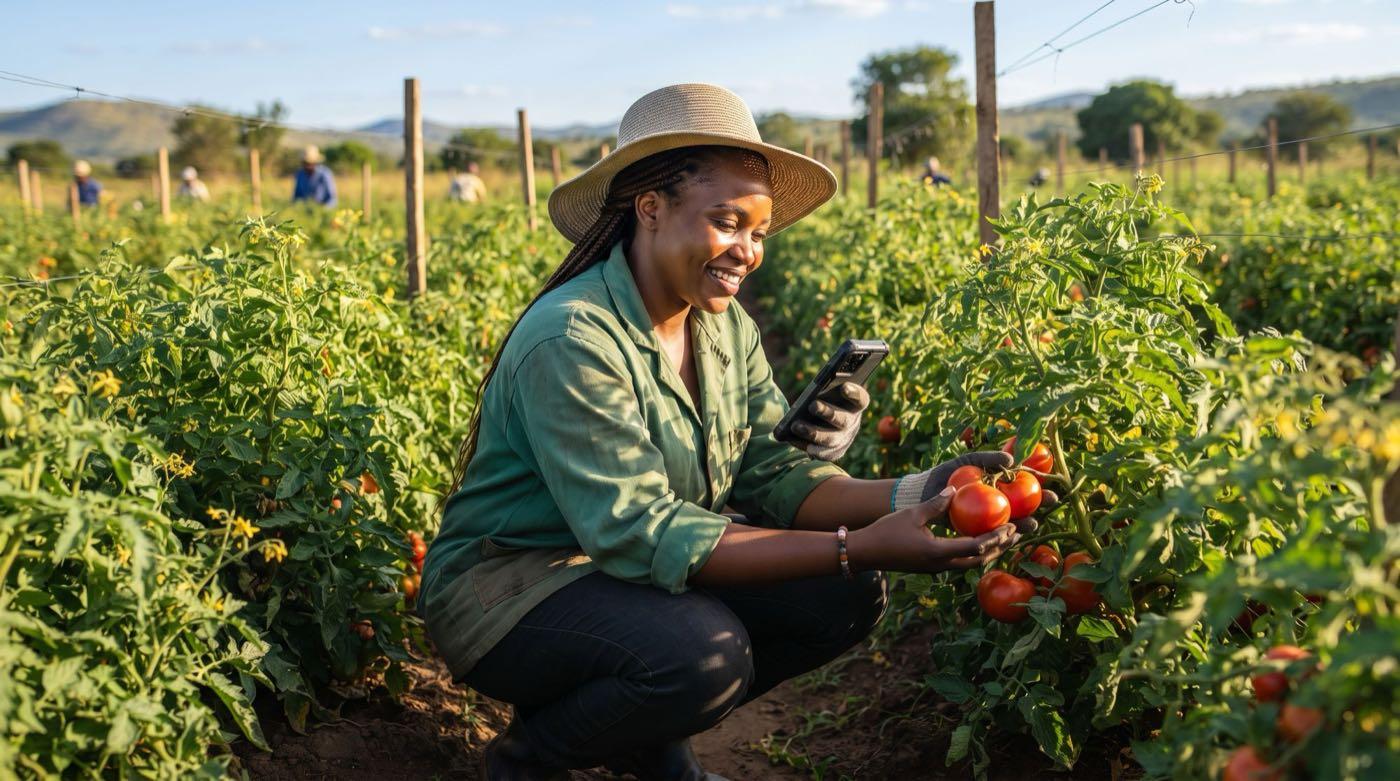
StokData Horticulture is a farm management app for crops. Plan what you plant (maize, vegetables, potatoes, tobacco and more), keep your garden and vegetable farm records, track harvests, and see the expenses and profit for each crop. Built for farmers in Africa and farmers abroad who run a farm back home.
What you can do
Everything for your crops, in one place
From the day you plant to the day you sell, keep one clear record for each crop.
Plantings
Record each crop you plant, from maize and potatoes to cabbage, onions and peppers: what, where, when, and how many. See what is in the ground right now.
Harvests
Harvest tracking for every crop. Log each picking of leafy greens or beans, or each maize and potato harvest, and see the total.
Expenses
Crop expense tracking for seed, fertilizer, chemicals, water, labour, fuel and packaging.
Sales
Record what you sell from each crop, a load of cabbages or a bale of tobacco, and who bought it.
Workers
Record labour days as a cost on the crop. Workers on your farm can be managed in StokData too.
Tasks
A crop planner with a planting schedule and a checklist, so jobs like top dressing the maize or spraying the beans are not forgotten.
Profit per crop
Crop expense and profit tracking. See which crops make money, whether it is onions, tobacco or beans, and which do not.
See it
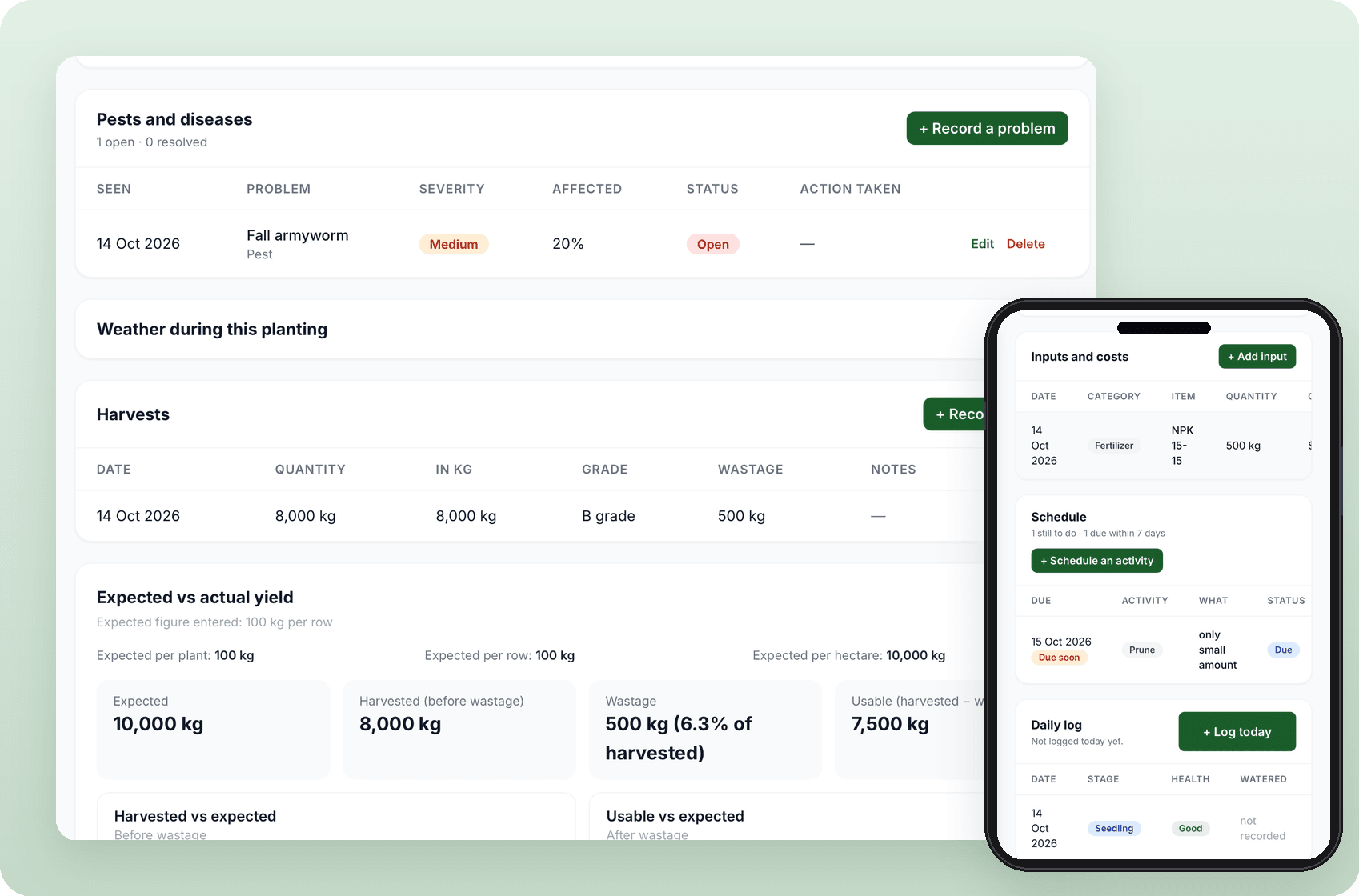
Horticulture in StokData
A look at the crop screens your farm will use.
AI for crops
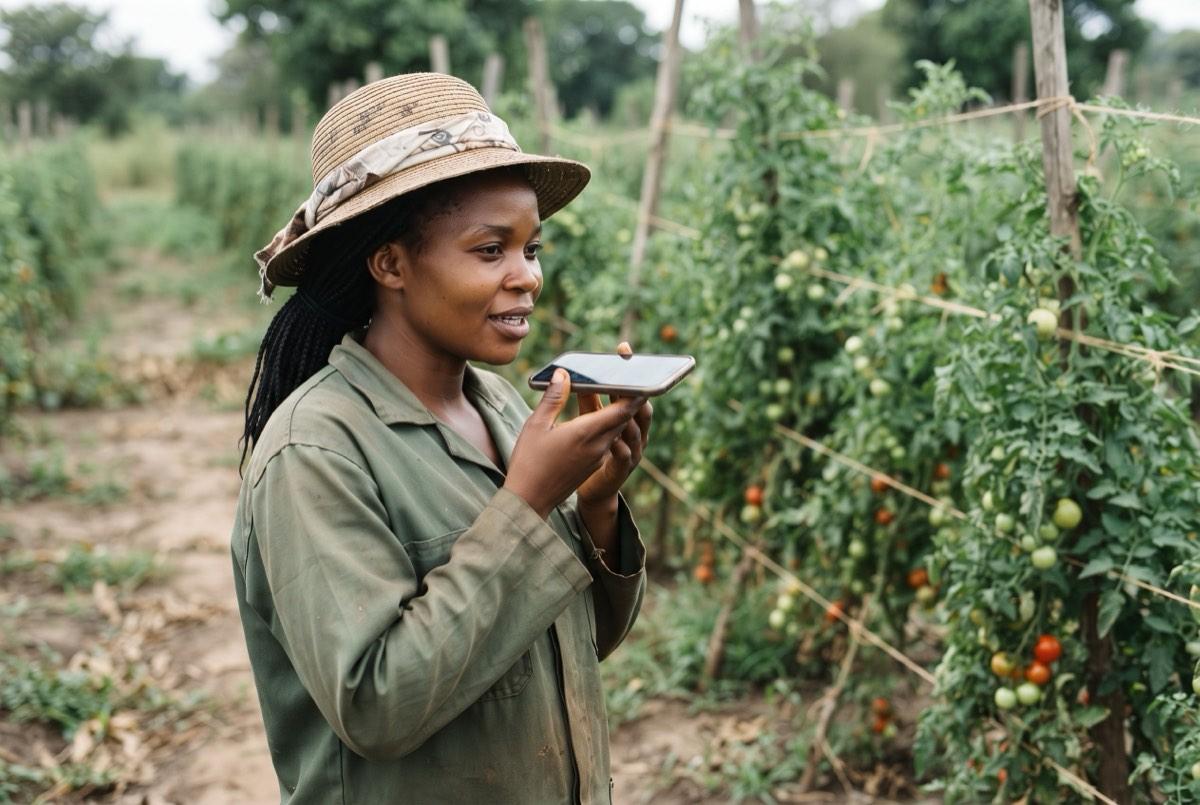
Ask StokData AI about your crops
Ask in plain language, in the same place you keep your crop records. It can see your own plantings, harvests, inputs, costs and crop sales, so it can answer things like “how much did I spend on fertilizer for this planting?” and “what was my harvest?”.
What to plant now
Advice on which crops suit your country and the month you are in, such as maize, beans, cabbage or onions.
Companion planting and what not to plant together
Which crops help each other when grown side by side, and which hold each other back, like potatoes and tomatoes that share the same diseases.
Common pests for your region, and crop care tips
The pests and diseases to watch for in your crop and your country, plus practical tips on watering, feeding and looking after your crops.
Gentle hints when you add a planting
If a new planting clashes with a neighbour crop in the same location group, or is out of season, you see a "guide only" hint. It never stops you from saving.
Diagnose plant problems from a photo Coming soon
Coming later. Not available yet. We will tell you when it is ready.
AI answers are a guide. Check pesticide use is registered in your country and follow the label.
QR code plant labels
Label every planting with a QR code
Print a small plant label for any planting. Scan the QR code with any phone camera to read the crop name, the planting date, the number of plants and the expected harvest date. Use it on a bed of cabbages, a block of potatoes or a maize field. No app and no login are needed to read it.
The printed label holds plant information only. If you turn on the public page, the page shows your farm name, the crop, status, harvests, inputs by category and pests. It never shows costs, workers, contacts or notes.
Turn on the public page for a plant and its QR code opens a read-only page: crop, status, harvests, inputs by category and pests. Costs, workers and notes are never shown. You stay in control and can switch it off or replace the link any time.
Who it is for
Smallholder farmers
Keep simple records for your plots of maize, beans and leafy greens instead of notebooks, and see what each crop earns.
Market gardeners and greenhouse growers
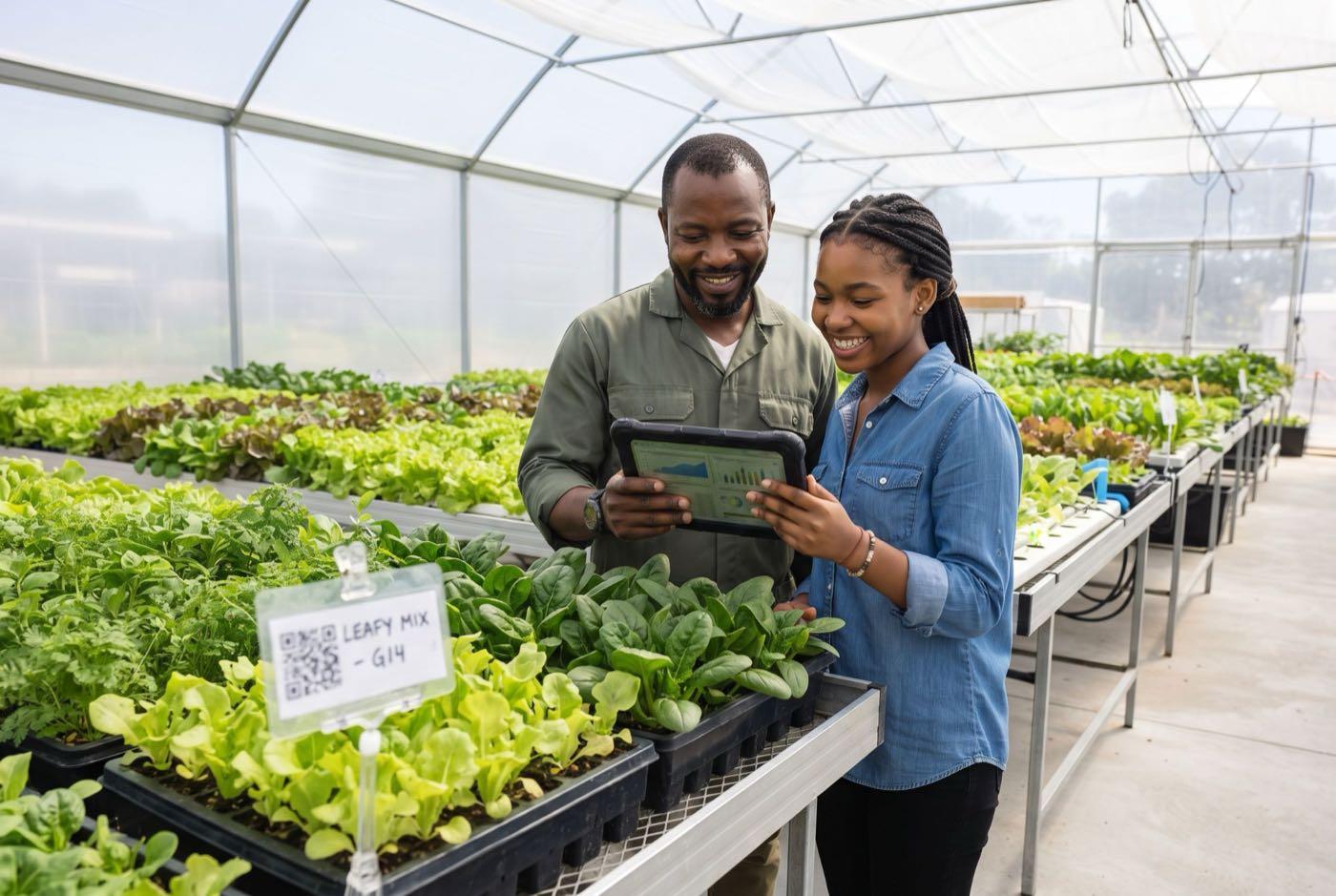
Track plantings, harvests and costs for cabbages, onions, peppers and other vegetables you sell at the market or to shops, and label each planting with a QR code.
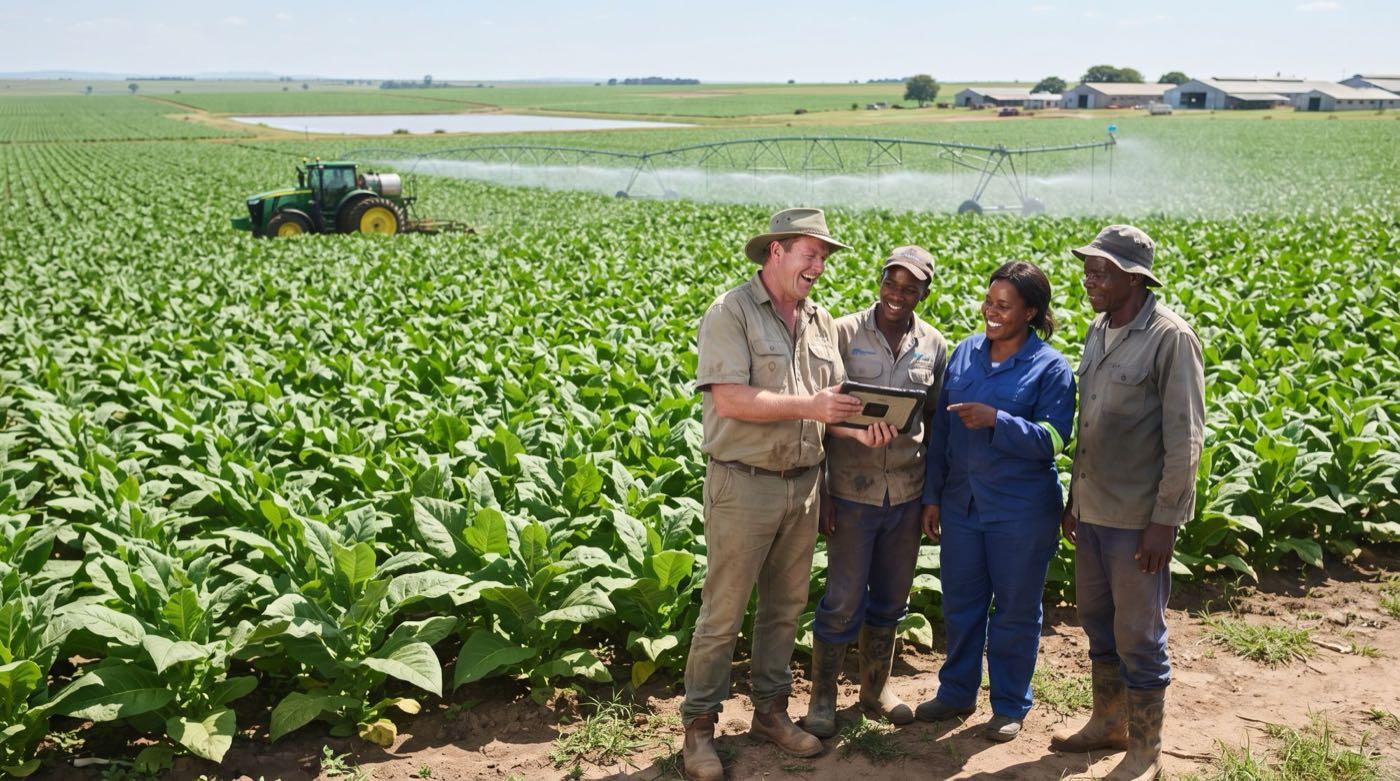
Commercial and large farms
Keep crop records, expenses and profit per crop, from maize and tobacco to potatoes, in one place next to your livestock and poultry. Diaspora farmers can follow the numbers from abroad.
Frequently asked questions
What is crop management software?+
Crop management software helps you keep records for the crops you grow: what you planted and when, what you spent, what you harvested and what you sold. StokData Horticulture does this on your phone and on the web.
Is there a farm management app for crops?+
Yes. StokData is a farm management app for crops as well as livestock and poultry. Horticulture is the part for crops, vegetables and gardens.
Can I use a crop planner or planting schedule?+
Yes. You can set up a planting schedule and a checklist for each crop, and tick jobs off as they are done.
How do I do garden and vegetable farm record keeping?+
Add each planting, then record inputs, daily notes, harvests and sales against it. Everything for that crop stays in one place, with the dates.
Can I track crop expenses and profit?+
Yes. Record what each crop costs and what it earns. StokData shows the profit for each crop so you can see what is worth growing again.
How does harvest tracking work?+
Each time you harvest, for example a picking of leafy greens or the maize harvest, you add a harvest entry to that crop. You can look back at every harvest and the total for the season.
Is there a crop planting calendar for Africa?+
StokData keeps your own planting dates and expected harvest dates, so you build a planting calendar from your own farm. You can also ask StokData AI what to plant now for your country and month. AI answers are a guide, so check them against local advice.
Does StokData have a companion planting guide?+
Yes. Ask StokData AI which crops grow well together and which should not be planted together, for example onions beside cabbages but not beans beside onions. When you add a planting, StokData also shows a gentle "guide only" hint if it clashes with a neighbour crop in the same location group or is out of season. The hint never stops you saving.
What are QR code plant labels?+
A small label you print for a planting. The QR code holds the crop name, planting date, number of plants and expected harvest date. Any phone camera can read it. It does not contain costs, sales or profit.
Is there an AI farming assistant for crops?+
Yes. Ask StokData AI about your crops in plain language. It can see your own plantings, harvests, inputs, costs and crop sales, so it can answer questions such as "how much did I spend on fertilizer for this planting?" and "what was my harvest?". It also gives advice on what to plant now for your country and month, companion planting, common crop pests for your region and crop care tips. AI answers are a guide. Check pesticide use is registered in your country and follow the label. Diagnosing plant problems from a photo is coming soon.